
What a Genesee County Court Docket Shows
A docket is a dated record of everything that happens in a case. Courts also call it a register of actions. Each line marks one event. That could be a filing, a hearing, a motion, or a ruling. Read top to bottom, a Genesee County court docket becomes a timeline of the case from start to finish.
The docket is not the same as the case file. The file holds the actual documents, such as the complaint, the motions, the exhibits, and the signed orders. The docket only lists that those documents exist and when they arrived. For most people checking a hearing date or a case status, the docket is enough. For a full legal review, you need the underlying file.
Genesee County keeps dockets in two main trial courts. The 7th Circuit Court handles felonies, larger civil cases, divorce, and appeals from the district court. The 67th District Court handles misdemeanors, traffic, small claims, and landlord-tenant matters. Both post public hearing calendars, so a single case type points you to the right docket.
How to Find Genesee County Dockets Online
Michigan runs one statewide public search layer called MiCOURT. It covers the 7th Circuit Court and the 67th District Court. The tool is free, and it works on a case number or a participant name. Name searches match the start of a party's name. Case-number searches match any part of the number.
Start at the state's public case-search page. It links each result to a case, where the docket and hearing dates live. The MiCOURT public case-search page is the front door for most Genesee County docket lookups.
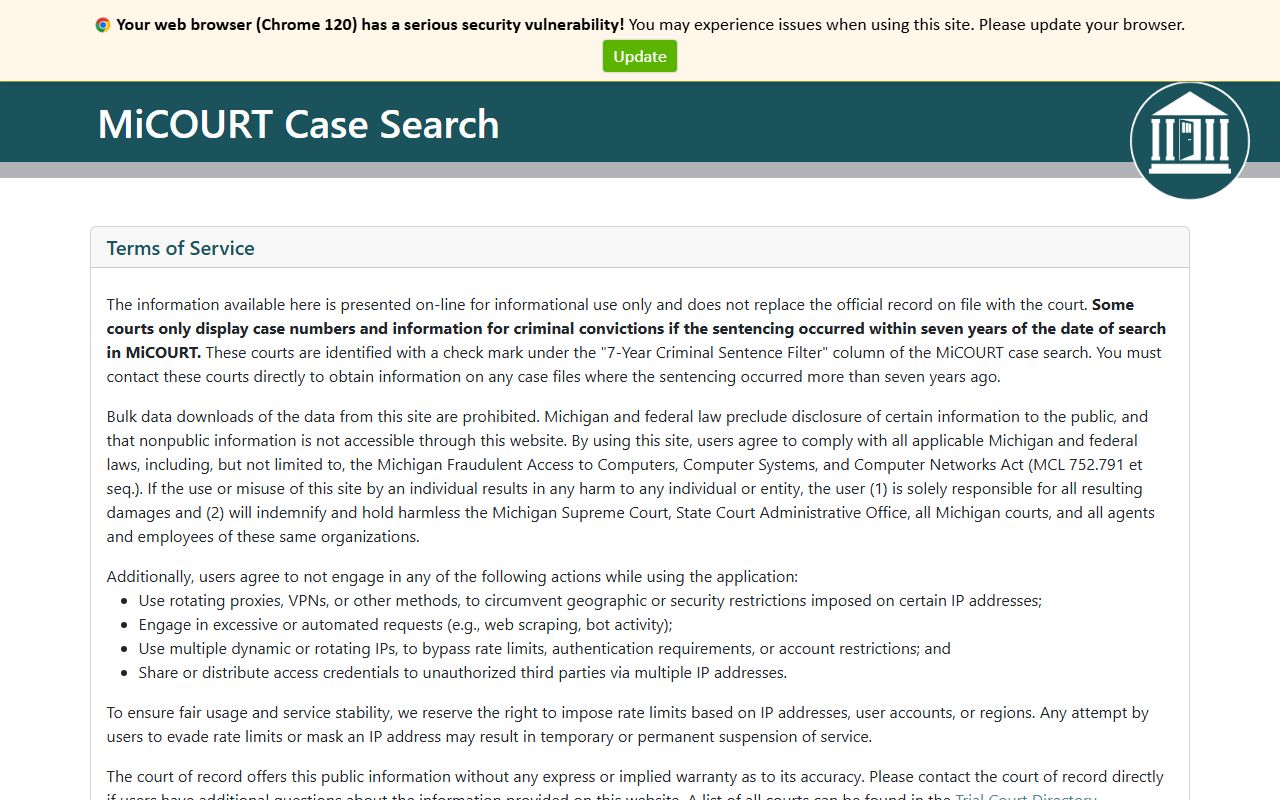
The search screen accepts a name, a case number, and a set of filters. You can trim results by case type, case year, or case status before you open a file. A few steps get you from a blank form to a live docket.
- Open the MiCOURT public case-search page and accept the terms of use.
- Pick a search by participant name or by case number.
- Enter a last name and first name, or paste the full case number.
- Add filters for case type, court, or year to narrow the list.
- Open a matching case to read the docket entries and next hearing date.
Sample Genesee County Docket Entry
Public MiCOURT displays show a compact row for each hearing. The columns stay the same across the circuit and district courts, so once you learn one, you can read them all. The table below maps each field on a Genesee County docket display to what it tells you.
| Field | What It Shows |
|---|---|
| Party Name | The person or business tied to the case. |
| Time | The scheduled start time of the hearing. |
| Hearing Info | The kind of hearing, such as a motion or a pretrial. |
| Case Number | The court's unique ID for the file. |
| CTN | The court tracking number used in public displays. |
| Location | The courtroom or branch hearing the matter. |
| Attorney | An abbreviation for the defense or civil attorney. |
| Prosecutor | An abbreviation for the assigned prosecutor. |
Not every row fills every column. A civil hearing may leave the prosecutor field blank. A quick status setting may skip the attorney field. The core columns of party, time, hearing info, and case number appear on almost every Genesee County docket line.
Courts That Publish Dockets in Genesee County
Genesee County posts dockets from its two trial courts through MiCOURT public court displays. Each court shows its own calendar, and each judge can have a separate display page. That lets you follow one judge's docket or one court's full day.
- 7th Circuit Court: felony, large civil, family, and appeal dockets, shown by judge panel.
- 67th District Court: misdemeanor, traffic, small claims, and landlord-tenant dockets across the branch courts.
- Probate Court: estate, guardianship, and mental-health matters, indexed through the court records office.
The circuit and district displays run in real time. A today view lists the day's hearings with party names, times, and case numbers. The 7th Circuit Court and the 67th District Court both send the public toward these MiCOURT displays rather than a separate county portal.
How MiCOURT Publishes Genesee County Dockets
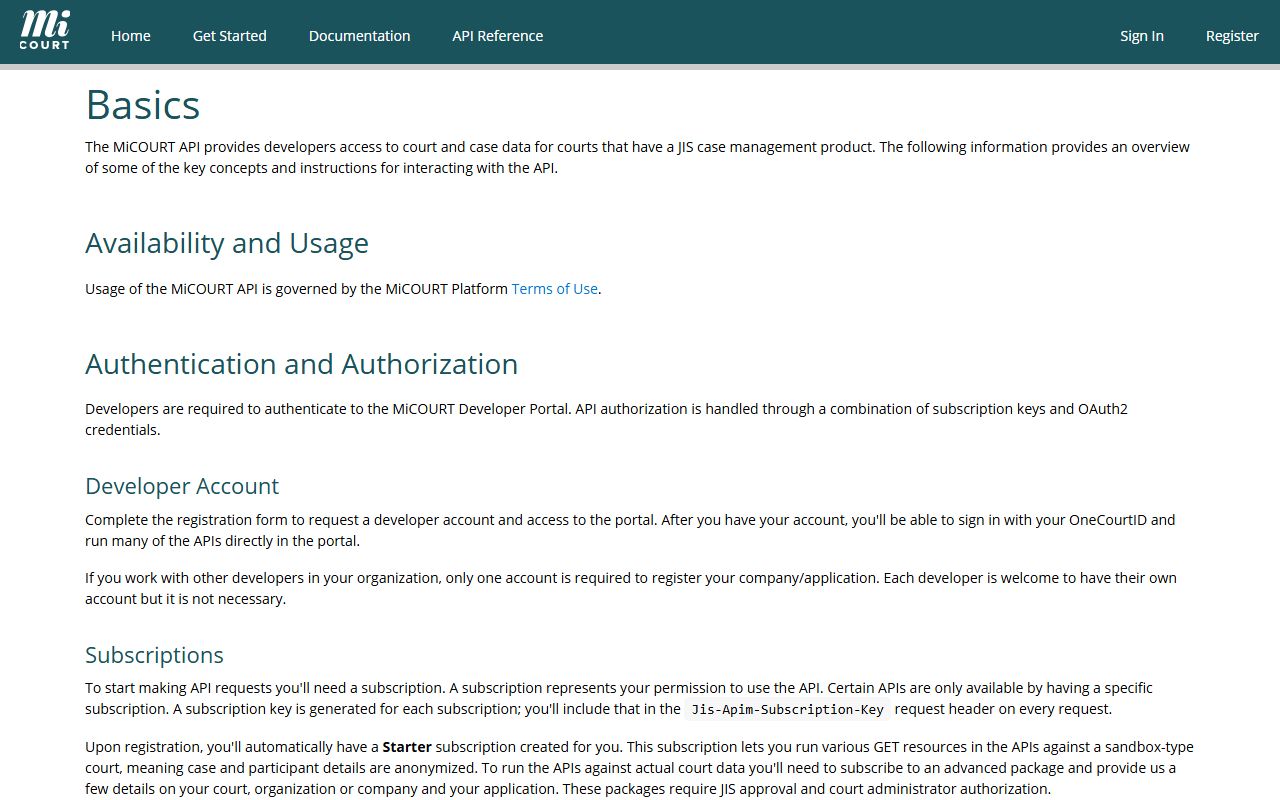
MiCOURT is built for courts that use the state's case-management product. Its public developer docs explain how the search works behind the scenes. That matters for readers who want to know why a search behaves a certain way. The MiCOURT developer basics page lays out the ground rules for the public search service.
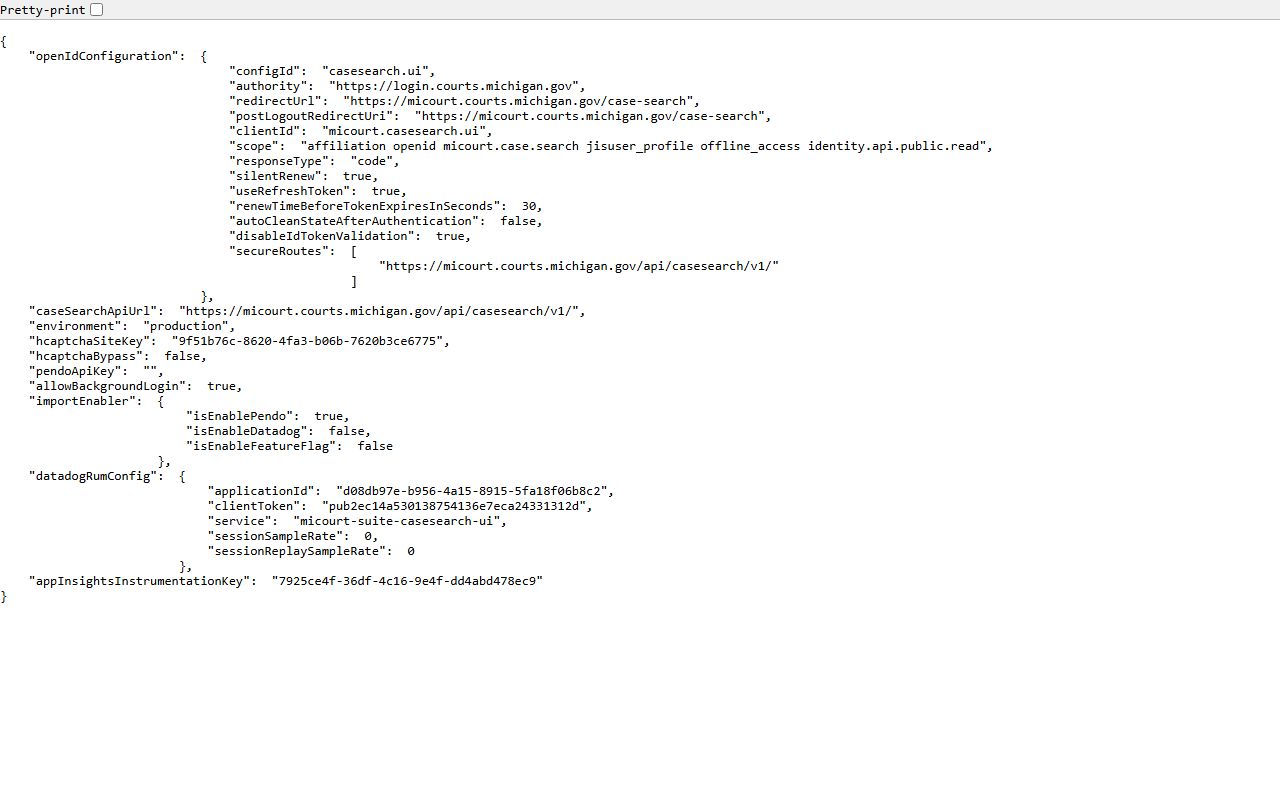
The public case search also ships a configuration file that names the search endpoints. It confirms that the same system serves circuit and district data. You can view the MiCOURT public case-search configuration directly.
The docs spell out how a search accepts a name, a case number, and filters. They also cover paging and sorting, so a long result list stays manageable. The MiCOURT case-search documentation is the reference for those search options.
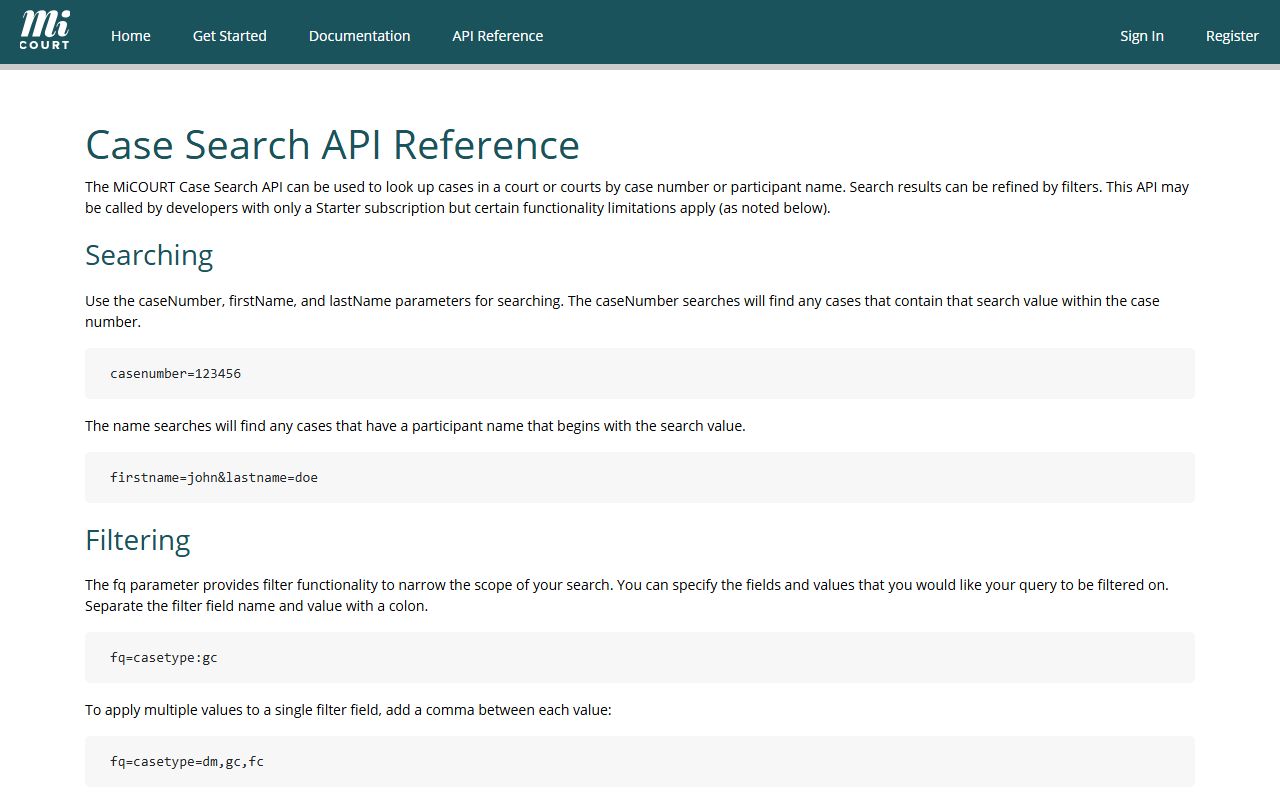
A deeper version-four reference lists every filter the search can take. It covers case type, case status, judge, filing dates, and disposition dates. The case-search API reference maps all of those fields for the curious.
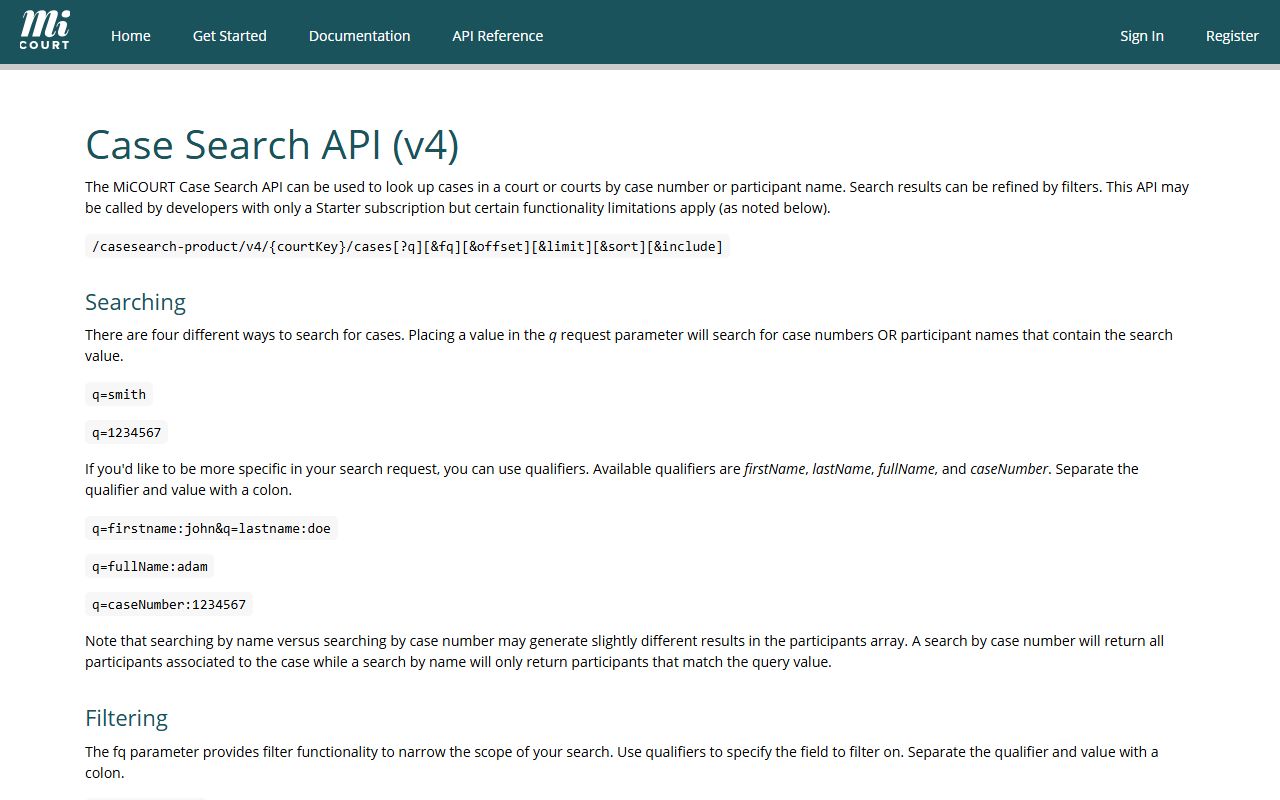
Most people never touch the docs. They just search a name and open a case. Still, the docs confirm what the public search can and cannot reach, which is useful when a result looks thin.
Hearing Types on Genesee County Dockets
The hearing-info field spells out each event in plain words. Genesee County public displays use a steady set of labels. Learning them helps you guess what a hearing will cover before you ever call the court.
- Motion hearing: a hearing on a request for a court ruling.
- Final pretrial: the last conference before a trial date.
- Probation violation hearing: a review of an alleged breach of probation.
- Jury trial: a trial where a jury weighs the evidence.
- Non-jury trial: a trial decided by the judge alone.
- Publication of notice: a required public notice tied to a hearing.
These labels show up on both circuit and district calendars. A criminal case may cycle through several before it closes. A civil case may show only a motion hearing and a trial setting. The docket keeps the order so the case history reads cleanly.
Case Numbers and Docket Status Codes
Every Genesee County case carries a number that encodes its year and type. A circuit case can read like 2025-0000056126-DO, where the suffix marks the case type. District entries may lean on a docket or court tracking number instead. That CTN is the value you will see repeated across public displays.
Case status tells you where a case sits right now. The search lets you filter by status, so you can find only open cases or only closed ones. The common values are steady across the county courts.
| Status | What It Means |
|---|---|
| Open | The case is active and moving. |
| Closed | The case has ended. |
| Disposed | The court has ruled or the case resolved. |
| Deferred | Action is paused under set conditions. |
| Mediation | The parties are working toward a settlement. |
| ADR | The case is in alternative dispute resolution. |
Docket vs. Full Case Record
People often ask for a docket when they really need the file, or the other way around. The two serve different jobs. The docket is the map. The file is the ground it maps. This comparison sets them side by side.
| Docket | Full Case Record | |
|---|---|---|
| Format | List of dated entries | Full documents and orders |
| Access | Often online and free | May require a fee or a visit |
| Use | Track case progress and dates | Legal review and evidence |
| Where | MiCOURT public displays | Court records office or MiCOURT file |
For the full documents behind a docket line, the path runs through the county court records offices. The 7th Circuit Court and the 67th District Court each keep their own records desk for that purpose.
Older Genesee County Dockets and Archived Files
The online search does not reach every old case. Some files predate the digital system. Those live with a court records office and need a direct request.
The 67th District Court sends current searches into MiCOURT, but files before July 31, 2014 require a request by email, mail, or drop-off to its records office. You can start at the 67th District Court records-search page. The circuit court publishes its own indexes and registers of action on the Genesee County circuit court records page, which is the fallback when a circuit docket is too old for the public display.
Note: A public docket may list a case without posting its documents, so plan to request copies from the court records office when you need the full file.
How to Read a Genesee County Docket
Docket lines lean on short labels and codes. Once you know the pattern, a wall of entries turns readable. Start with the date and the event type, then check who filed it.
Watch for the disposition line near the end of a case. It marks the outcome, such as a dismissal, a plea, or a judgment. A closed status paired with a disposition tells you the case is truly done. For deeper docket context on criminal matters, the county Circuit Court page walks through how a case moves from filing to appeal. When a code or label is unclear, the safest step is to call the court that holds the case.